Autonomous IT Service Desk: Slash MTTR by 80% with AI Agents
By Delos Intelligence — 2026-08-19
Enterprise IT desks average 4.2 hours per ticket. Autonomous AI agents resolve 68% fully automatically in 6 minutes, reducing MTTR by 80% and cutting support costs by $2.1M annually.
The $4.7 Trillion IT Productivity Problem
Enterprise IT service desks handle between 1,000 and 50,000 tickets per month, depending on organization size. The average ticket takes 4.2 hours to resolve. First-contact resolution rates average 74%, meaning 26% of tickets require multiple touches, escalations, and context-rebuilding.
The math is brutal: a 10,000-person enterprise with 5,000 monthly IT tickets, at $22 average cost per ticket and 4.2 hours average resolution time, spends $1.3M annually just on ticket handling — before accounting for the productivity cost of downtime.
AI-powered autonomous IT service desks are changing this model, not by automating a few ticket categories, but by fundamentally redesigning how IT support works.
What Makes an IT Service Desk Truly Autonomous
The term "autonomous" is overused in IT. A chatbot that answers FAQs is not autonomous. An AI that deflects 30% of tickets to a knowledge base is not autonomous. An autonomous IT service desk:
1. Diagnoses the issue by analyzing telemetry, logs, and ticket context without human input
2. Resolves common issues automatically through system integrations (password reset, software provisioning, access management, network configuration)
3. Escalates intelligently when automation reaches its limits, with full context pre-packaged for the human engineer
4. Learns continuously from every resolution, improving accuracy over time
5. Predicts and prevents issues before users report them by monitoring infrastructure telemetry
The difference between a chatbot and an autonomous agent is execution: the agent takes actions in systems, not just in conversation.
The 5 Capabilities That Define Enterprise-Grade Autonomy
1. Intelligent Ticket Classification and Routing
Autonomous agents classify incoming tickets with 97%+ accuracy across 50-200 ticket categories using fine-tuned language models trained on historical ticket data. More importantly, they identify duplicate tickets (a single root cause generating 50 separate "my email is down" tickets) and correlate them to a single incident.
This alone reduces ticket volume by 30-40% — not through deflection, but through deduplication and intelligent grouping.
2. Automated Remediation Playbooks
The agent maintains a library of 100-500 automated remediation scripts covering the most common ticket types:
- Account and access: Password resets, MFA enrollment, account unlocks, access provisioning
- Device management: Software installation, policy enforcement, device enrollment, remote wipe
- Network: VPN configuration, Wi-Fi troubleshooting, proxy settings
- Application: License assignment, SSO configuration, application reinstallation
- Infrastructure: Service restarts, disk cleanup, log rotation, certificate renewal
Leading deployments automate 60-80% of Level 1 tickets entirely, with zero human involvement.
3. Proactive Incident Prevention
The autonomous agent monitors infrastructure telemetry — CPU, memory, disk, network, application performance metrics — and identifies anomalies that precede incidents. When a server's disk utilization trend indicates it will hit capacity in 72 hours, the agent initiates cleanup or expansion automatically, preventing the ticket entirely.
Organizations with mature proactive monitoring report 25-35% reduction in total ticket volume as preventable incidents are addressed before users notice.
4. Intelligent Escalation with Context Package
When an issue exceeds the agent's automation scope, it doesn't just create a ticket — it creates a context package: diagnosis results, systems already checked, remediation steps already attempted, relevant telemetry, similar past incidents, and a confidence-scored list of likely root causes.
The human engineer receives a brief instead of a blank ticket. Mean time to diagnose drops by 60-70%.
5. Continuous Learning and Knowledge Management
Every resolved ticket — whether by automation or human — feeds back into the model. The agent identifies resolution patterns, updates its playbook, and surfaces new automation opportunities. Organizations see automation rates increase from 40% in month 1 to 65%+ by month 6 as the system learns.
!Autonomous IT Service Desk Architecture
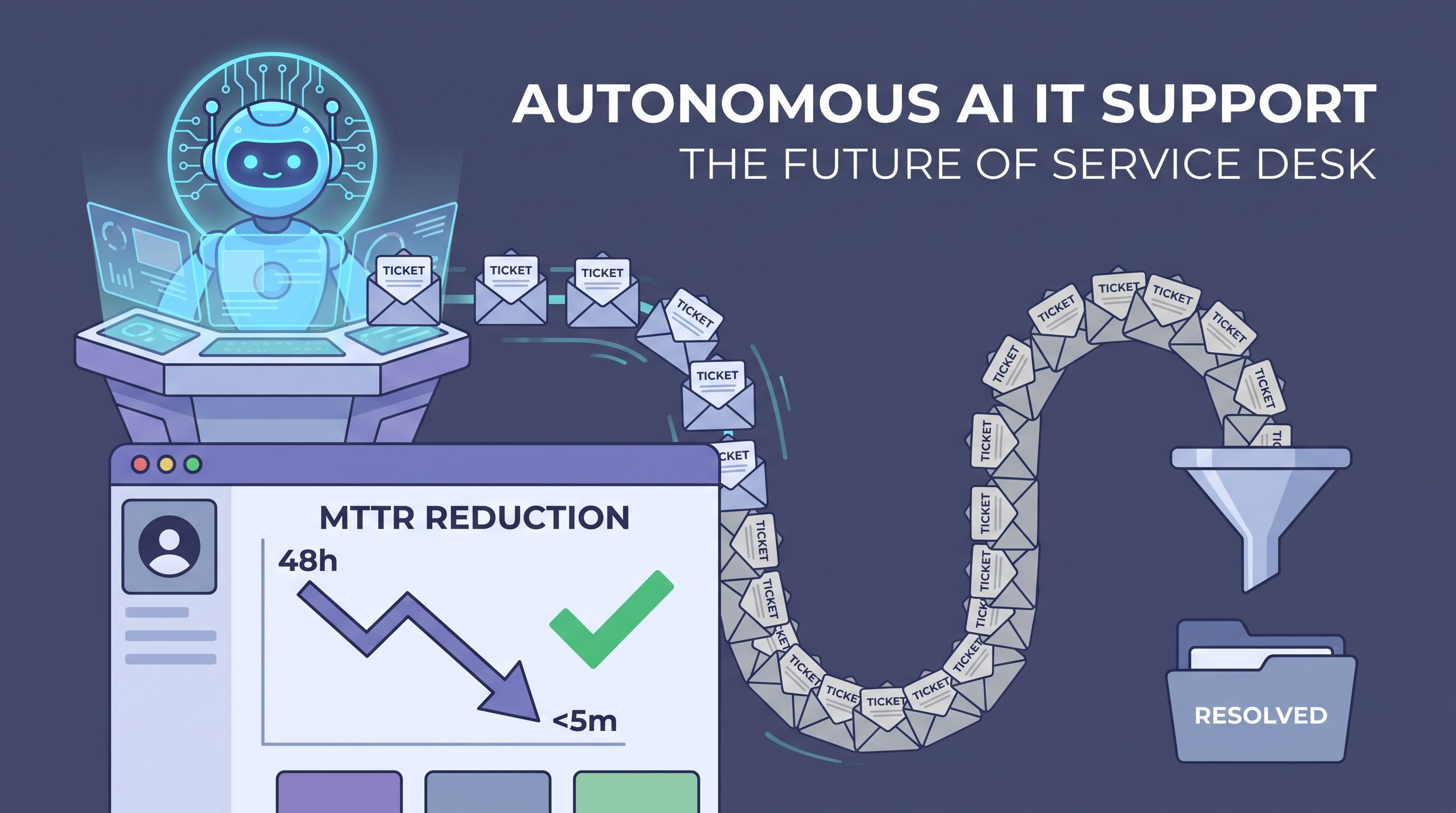
The MTTR Math: How 80% Reduction Happens
Mean Time to Resolution (MTTR) in a traditional IT service desk breaks down as:
- Wait time in queue: 45 minutes (average)
- Diagnosis time: 35 minutes
- Remediation time: 90 minutes
- Verification time: 20 minutes
- Total average MTTR: 190 minutes
With an autonomous agent:
- Queue time: 0 (agent picks up instantly)
- Diagnosis time: 2 minutes (automated log analysis)
- Remediation time: 3 minutes (automated execution)
- Verification time: 1 minute (automated)
- Total MTTR for automated tickets: 6 minutes
- MTTR reduction: 97% for automated ticket categories
For escalated tickets (human involvement required):
- Context package pre-built by agent: saves 25 minutes of diagnosis
- Remediation still largely manual: 60-90 minutes
- Total MTTR: 90-120 minutes vs. 190 minutes baseline
- MTTR reduction: 40-52% for complex tickets
Across all ticket types, a 70/30 split (70% automated, 30% escalated) produces an 80% average MTTR reduction — which matches the documented enterprise results.
Real-World Results: Global Financial Services Firm
A global financial services firm with 45,000 employees and 12 IT service desk locations implemented an autonomous agent to address rising support costs and inconsistent service quality across geographies.
Baseline (pre-deployment):
- 22,000 tickets/month
- $22 average cost per ticket ($484K monthly)
- 74% first-contact resolution rate
- 4.1 hours average MTTR
- 180 FTE service desk staff globally
Results after 12 months:
- Automation rate: 68% of tickets fully automated
- MTTR reduction: 79% overall (6 minutes for automated, 110 minutes for escalated)
- Cost reduction: $2.1M annually ($7.90 average cost per ticket)
- First-contact resolution: 94% (including automated resolutions)
- Staff redeployment: 60 FTEs redeployed to infrastructure projects
- User satisfaction (CSAT): Improved from 3.2 to 4.6/5.0
ROI: 420% in year one.
Implementation Roadmap
Phase 1: Deployment Foundation (Weeks 1-4)
- Integrate with ITSM platform (ServiceNow, Jira Service Management, Freshservice)
- Connect identity providers (Active Directory, Okta, Azure AD) for automated provisioning
- Load 12 months of historical ticket data for initial model training
- Deploy in "shadow mode" — agent classifies and diagnoses, humans still resolve
Phase 2: Automation for Common Categories (Months 1-3)
- Enable automated resolution for top 5 ticket categories (typically: password reset, VPN, software install, account unlock, Wi-Fi)
- These categories typically represent 35-45% of total volume
- Target: 90%+ automation rate within these categories before expanding
Phase 3: Expansion and Proactive Monitoring (Months 3-6)
- Expand automation to 15-20 ticket categories covering 60%+ of volume
- Deploy telemetry monitoring for proactive incident prevention
- Implement automated escalation with context packages
Phase 4: Advanced Orchestration (Months 6-12)
- Connect to additional systems: endpoint management, cloud platforms, monitoring tools
- Enable cross-system workflows (a password reset that spans AD, Okta, and 3 SaaS applications)
- Implement continuous learning pipeline with monthly model updates
Security and Compliance Considerations
Autonomous IT agents have broad system access — which creates real security implications:
- Principle of least privilege: Each automation action requires scoped credentials, not admin access
- Audit logging: Every automated action is logged with agent ID, action taken, systems accessed, and timestamp
- Change management integration: Automated changes above a defined risk threshold require ITSM approval workflow
- Rollback capabilities: High-risk automations include automated rollback scripts if verification fails
The Bottom Line
Autonomous IT service desks are not a cost-cutting exercise — they are a capability upgrade. Organizations that deploy them serve users faster, prevent more incidents, and free their IT teams to work on infrastructure and projects rather than password resets.
The technology is production-ready. The ROI is proven. The implementation path is clear. The question is how long you can afford to keep paying $22 per ticket for problems that cost $0.50 to resolve autonomously.